Do you have a Wikispace? We know that a lot of teachers use Wikispace for their class website and some are having problems embedding a Voki on their page. So let’s take a look at how you can do it:
1. Go on www.voki.com.
2. Create your Voki and Publish.
3. Select the size for your Voki and copy the embed code.
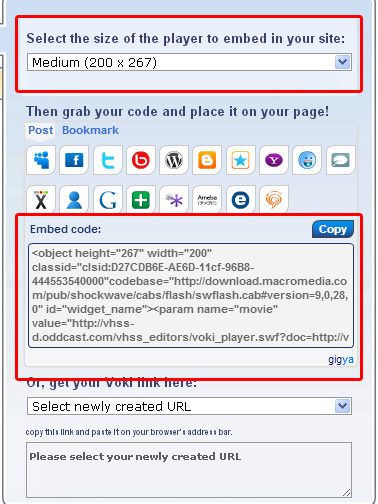
4. Log in to your WikiSpace account and click on Edit.

5. Click on Widget.

6. Click on Other HTML.
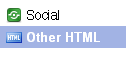
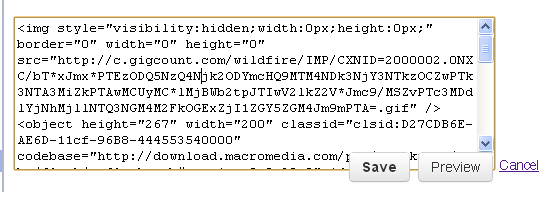
7. Paste your Voki’s embed code into the box.
8. Find src=”http://vhss-d.oddcast.com within the code.
9. Add “s” after http.
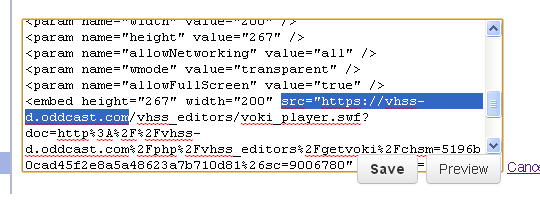
10. Click on Save and your Voki will appear!

If you have any feedback, comments, or suggestion for Voki, send us an email at feedback@voki.com!
Until next time,
The Voki Team
 The Voki Blog - Expanding Education