Voki Presenter is constantly improving thanks to your feedback! Since the launch of Voki Presenter, many teachers asked us to add the ability to duplicate scenes and presentations. So, we have worked hard to implement this new feature and we’re happy to announce this feature is now available!
To duplicate an existing presentation:
1. Click Create New.

2. Select Duplicate Presentation and select the presentation you want to duplicate.

3. Give the presentation a new name and a new description.

4. Click OK.
To duplicate an existing scene:
1. With the Presentation Editor open, select the slide you want to duplicate.
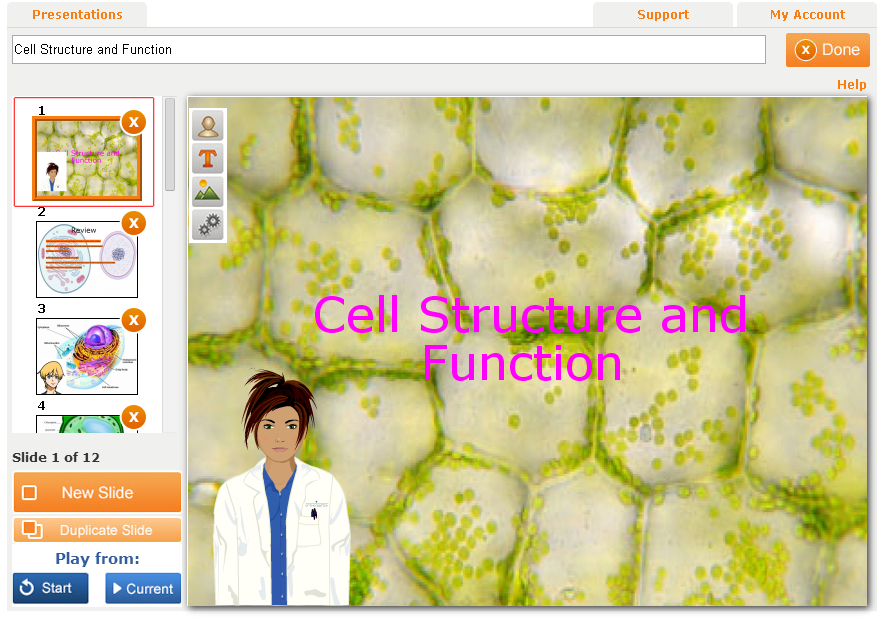
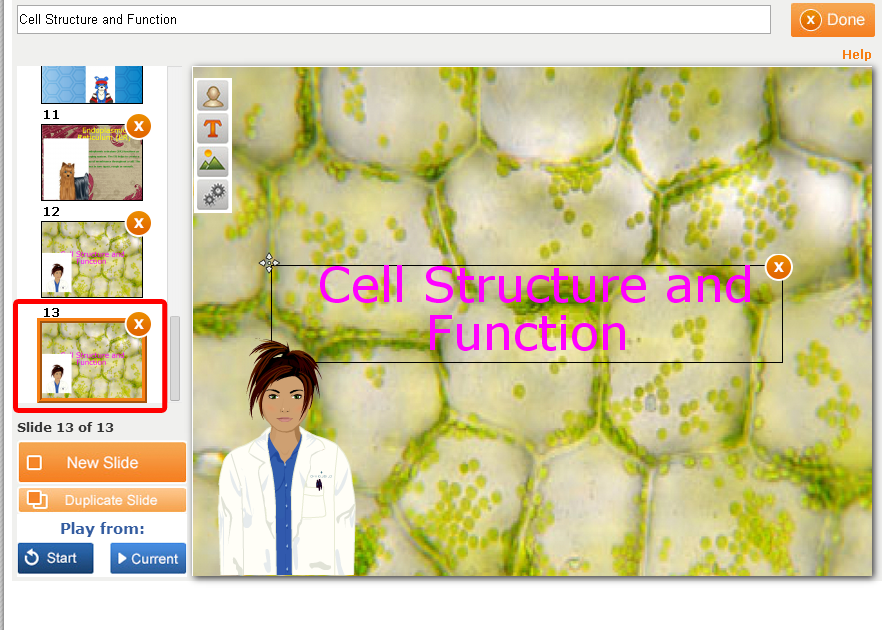
2. Click on Duplicate Slide.

3. The duplicated slide will be added to the end of your slide list.
We hope you are pleased with this update! We are always eager to hear your suggestions for Voki as we continue to improve your experience.
If you have any feedback, comments, or suggestion for Voki, send us an email at feedback@voki.com!
Until next time,
The Voki Team
 The Voki Blog - Expanding Education